Features
Streamax is a streaming server for IPTV and OTT services: it ingests live channels, records them, builds channels from files and delivers everything to viewers with access control.
Live streaming
Streamax takes your live sources and hands them to players in the formats they understand.
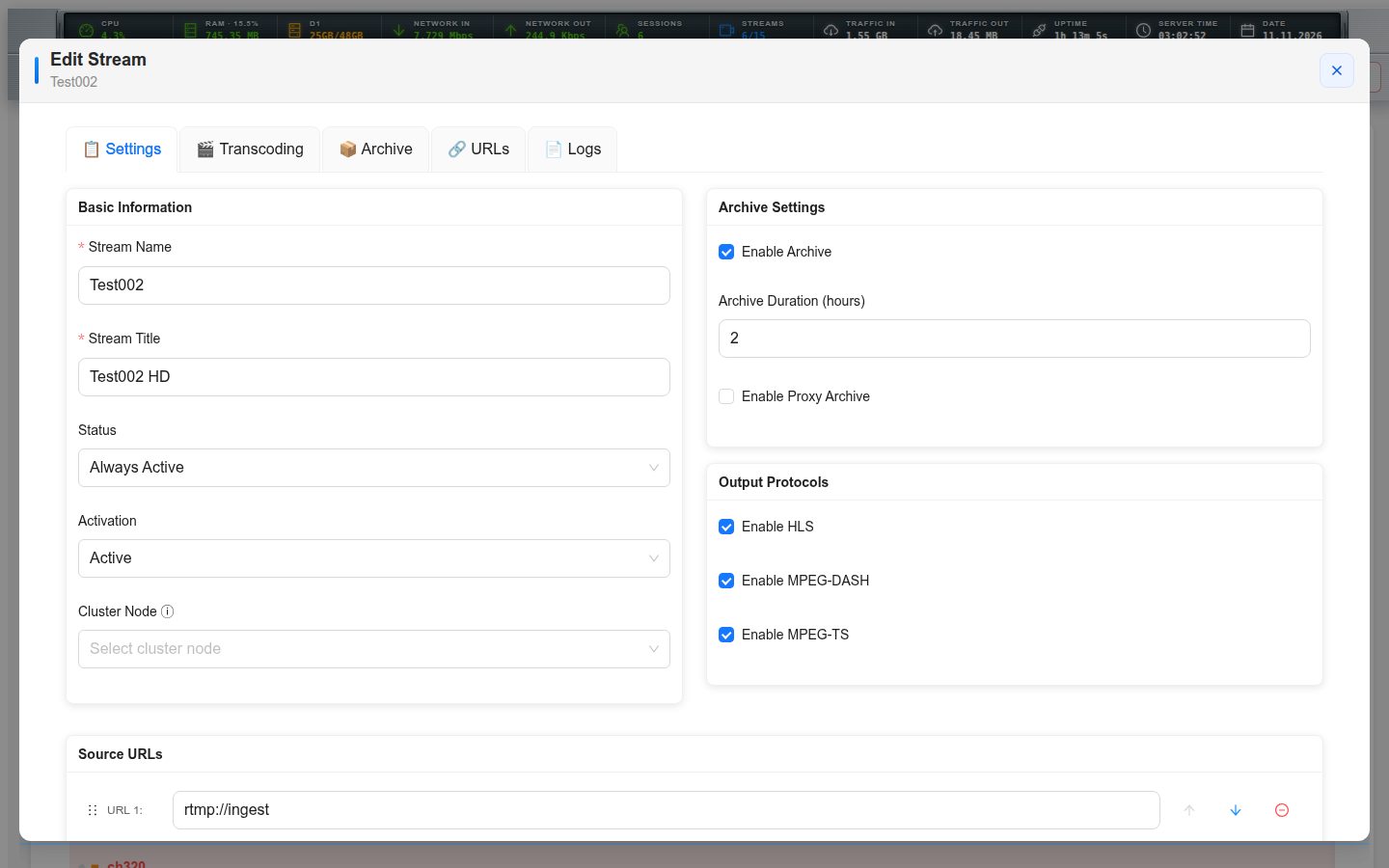
- Sources over HLS and RTMP, with backup inputs that take over automatically when the primary one fails.
- Output as HLS (MPEG-TS and fMP4 segments) and MPEG-DASH from the same channel.
- A segment cache between sources and viewers: every viewer is served from the cache, the source address is never exposed and its load does not grow with the audience.
- Several audio tracks and subtitle tracks per channel, delivered as separate renditions.
- On-demand channels that start with the first viewer and stop when nobody is watching.
- Transcoding profiles for channels that need another bitrate or codec, using the bundled ffmpeg.
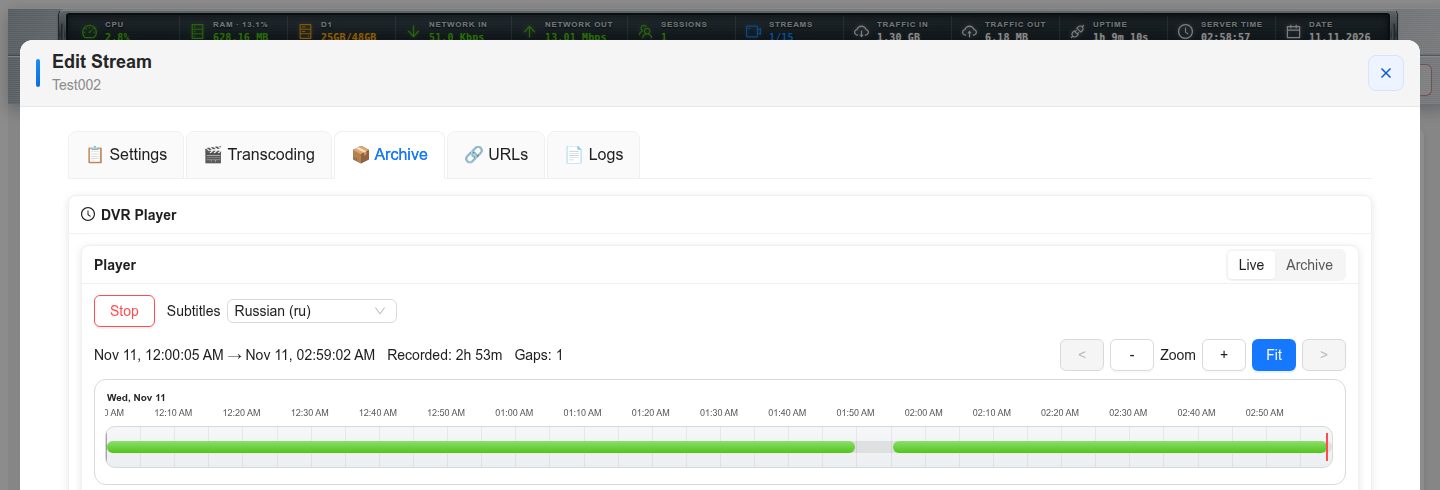
DVR archive and catch-up
Record channels around the clock and let viewers go back in time.
- Continuous recording with a per-channel archive depth.
- Timeshift and catch-up by absolute or relative time, so a player can open any programme from the guide.
- Archive playback as HLS, fMP4, MPEG-DASH or a plain MPEG-TS stream.
- Archive of another server can be proxied, which lets an edge serve recordings it does not store.
- Built-in archive player in the admin panel for checking a recording at a given moment.
VOD channels
Build a linear TV channel from a set of files.
- Playlists and schedules that loop a library as a 24/7 channel.
- Media Studio: a timeline editor for the channel, with video, audio and title tracks.
- Channel logo, promo intros and on-screen title text with bundled fonts.
- Programme guide (EPG) generated from the files, in several languages, as XMLTV.
- Subtitles created automatically by speech recognition and translated into other languages.
- File preparation that brings a mixed library to one format, so playback never breaks at a file boundary.
Access control and billing integration
Decide who may watch, and keep your billing informed.
- Stream tokens checked by your own HTTP API, with a configurable answer when that API is unavailable.
- Limit of simultaneous sessions per token, counted across protocols.
- Notifications to your API when a session starts and stops.
- Live list of sessions with channel, protocol, token and duration.
- Admin panel restricted by address, password and API tokens with their own permissions.
Cluster
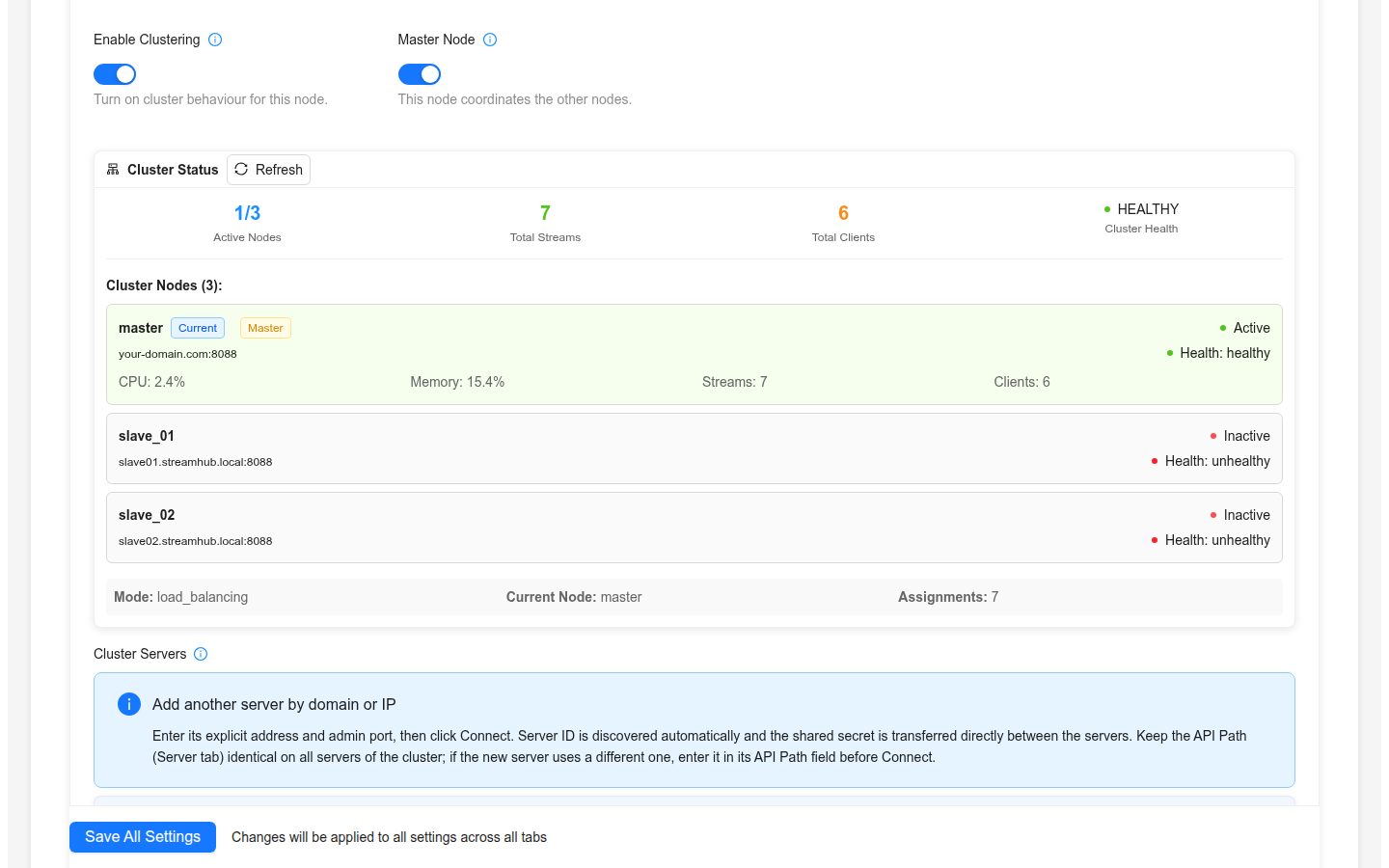
Run several servers as one system.
- A master distributes the channel configuration to its nodes.
- Viewers are redirected to the node that should serve them.
- On-demand channels work across the cluster: a channel starts on the node that received the request.
Monitoring
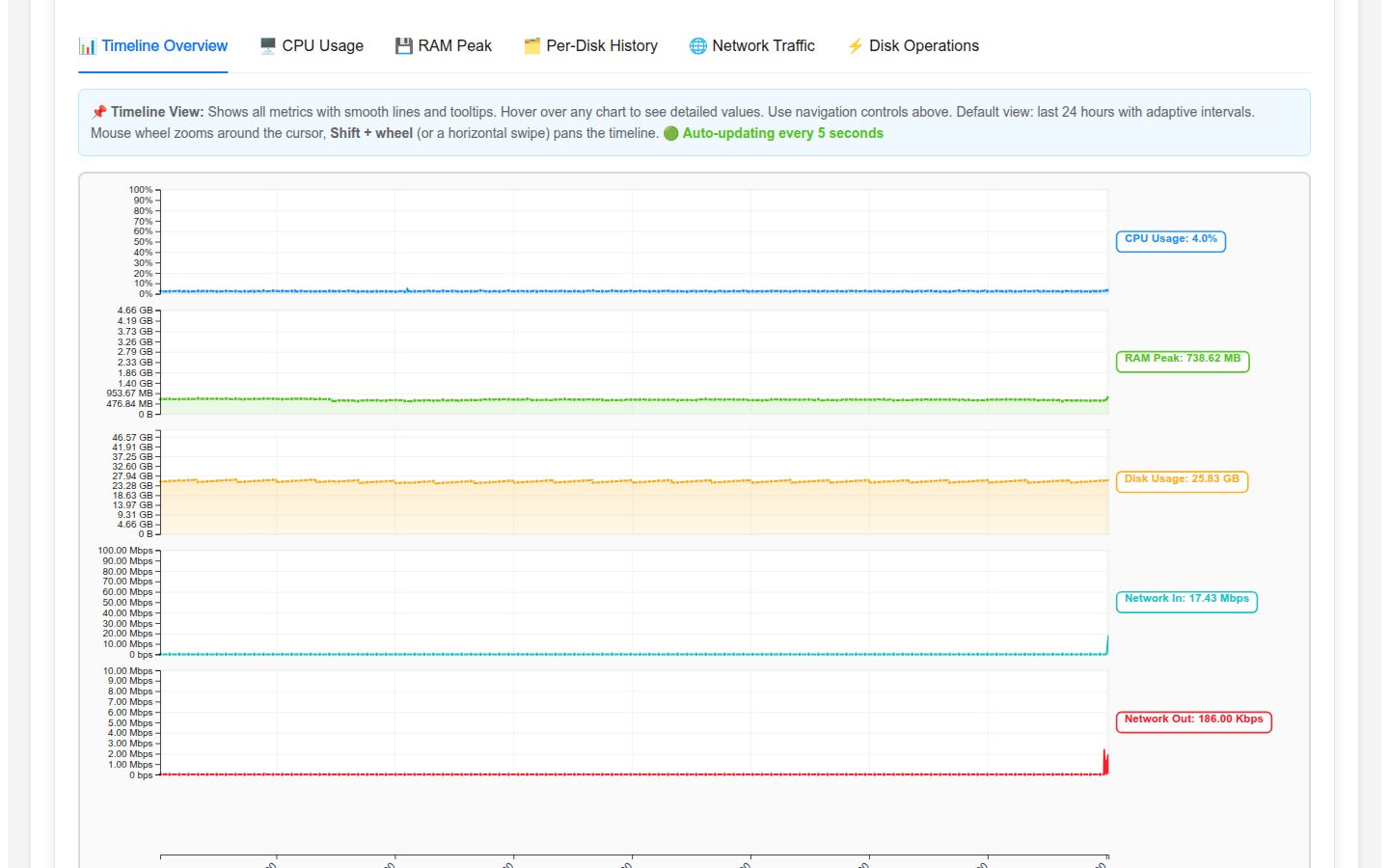
See what the server is doing now and what it did last month.
- Per-channel input and output bitrate, viewers and state on the main screen.
- History charts for traffic and sessions with zoom.
- System load, memory and network of the server.
- Server and per-channel logs in the browser.
Administration and API
Everything is configured in the browser or through the API.
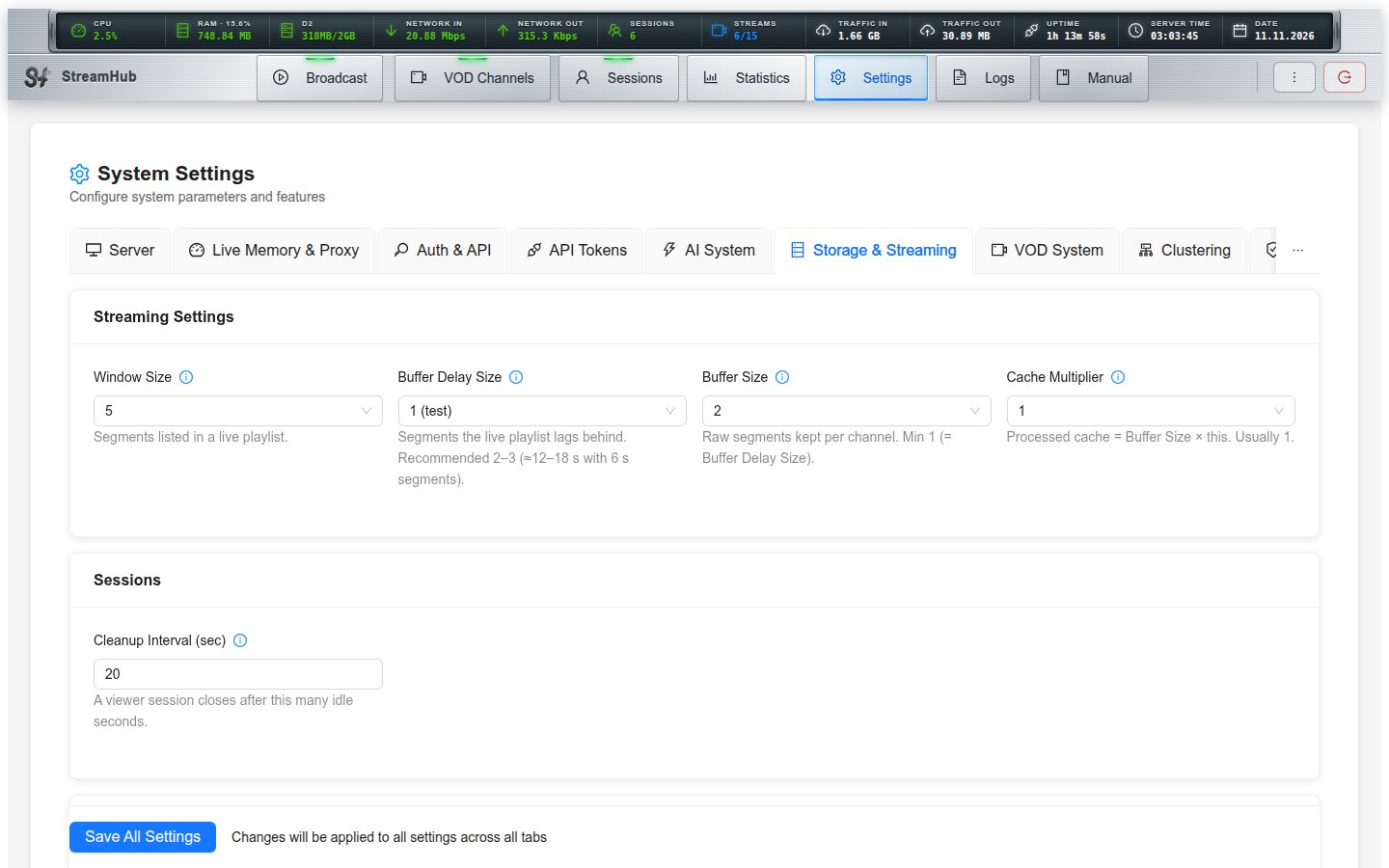
- Web admin panel that also works on a phone.
- HTTPS for streams and the panel, with certificates from Let's Encrypt.
- Admin HTTP API with about 150 endpoints, bearer tokens and a ready PHP client.
- Built-in manual with a reference of every setting.
Installation
From a clean server to a working channel in minutes.
- One .deb package for Ubuntu 24.04 or newer and Debian 12 or newer, x86-64.
- ffmpeg and its libraries are inside the package, nothing else to install.
- Runs as a systemd service; configuration lives in /etc/stream-hub.
- APT repository for updates with a normal apt upgrade.